Start and found a Company
Clock in, found a Company with a name and a logo, and reach the Board. Also how to open, continue, and delete Companies.
To start playing, click the Founder badge on the title screen, choose Start a company, name it, and select Found. The Board opens in the Garage, the first Era, and the clock runs.
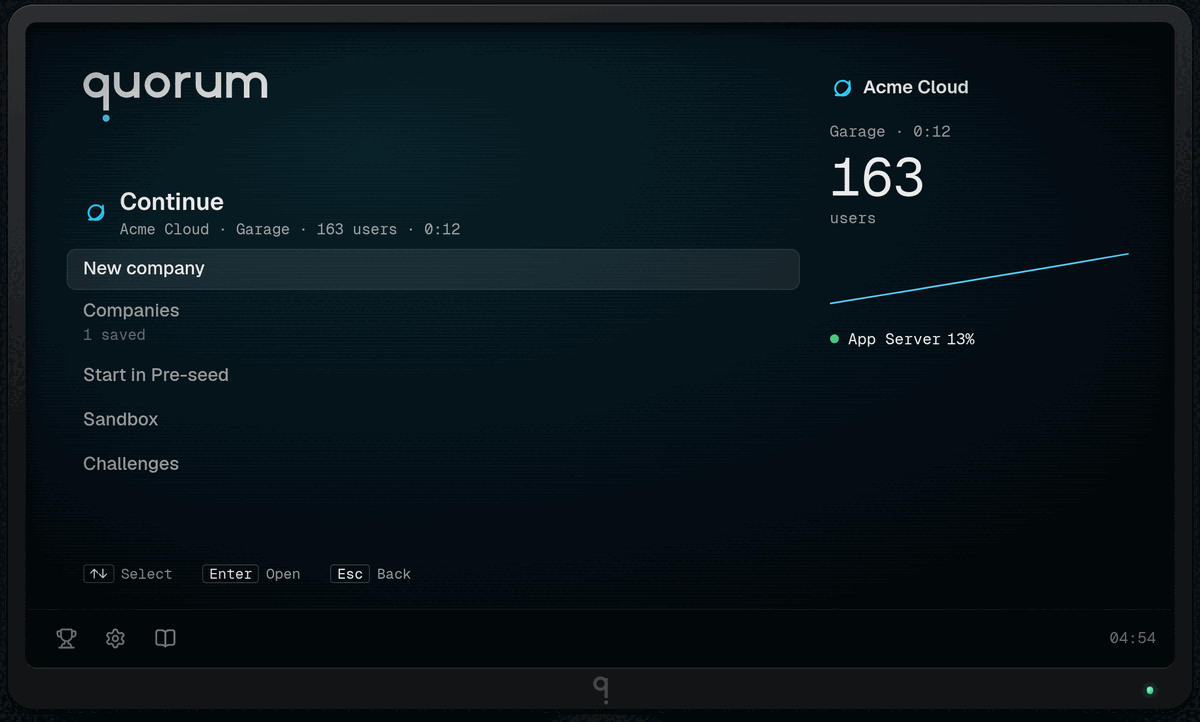
Look at the Founder badge. Clicking it is the only way past this screen.
Found a Company#
Click the Founder badge. The reader says Clocked in and the Main menu opens.
Select Start a company. The New company screen opens. If you already have a Company, the same row reads New company, and a Continue row sits above it.
Type a name in Company name. The field holds up to 40 characters. An empty field founds a Company called Untitled company.
Pick a logo from the Logo tiles. The big logo beside the name changes with each click.
Leave B2B SaaS selected under Venture. Other Ventures show a price in Legacy, and you cannot choose one until you have the Legacy for it.
Leave Mutators alone. Each one shows a lock until you earn it.
Select Found followed by your name, at the bottom of the screen. The row stays in view while the list scrolls.
You will see the Board with four Nodes: Users, App Server, Analytics, and Payments. The game shows only a few controls at first. The screen at a glance names every part of it.
On the title screens, ↑ and ↓ move the selection, Enter opens the selected row, and Esc goes back one page. A Back row at the top of each page does the same.
Other ways to start#
The Main menu has more rows than Start a company:
Start in Pre-seed skips the Garage. The Design already has its own Database Node, so you start with the lessons of the first Era learned.
Sandbox opens a Board that changes nothing in a Company. The guided Sandboxes each teach one mechanic. The free Sandbox has every Component unlocked and no Cash.
Challenges are fixed puzzles scored on cost and tail latency.
New players should use Start a company. The Garage is the shortest lesson in the game.
Open, continue, and delete Companies#
The browser keeps every Company as its own Company file, so a second Company never replaces the first.
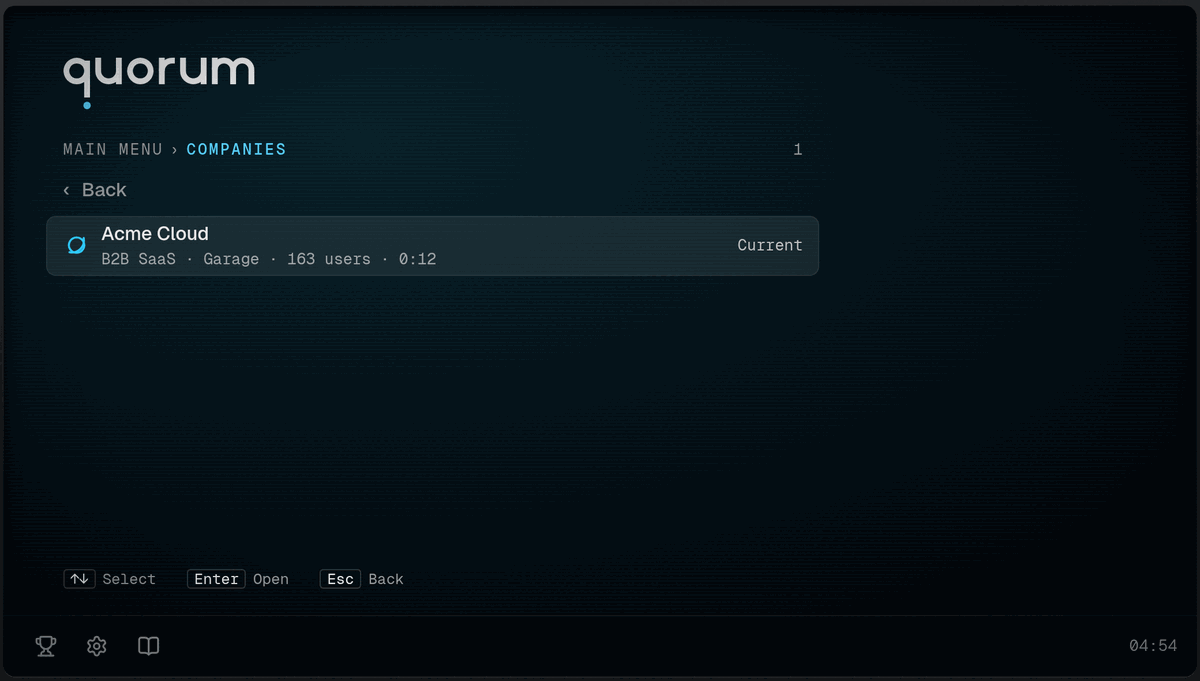
Look at the right edge of each row. The Company you played last says Current; the others show the date they were last saved.
On the Main menu, select Companies. The row shows how many Companies are saved, for example 3 saved.
Select a Company. Its file page shows its Venture, Era, users, and clock.
Select Continue for the current Company, or Open company for any other.
To delete one, open its file page and select Delete company. A second step asks you to confirm: Delete forever removes the Company and its Design, and Keep company cancels. There is no undo for this.
A Company saves itself while you play. Sandboxes and Challenges do not save. For the save rules, read Clock, undo, and saves.
Mistakes to avoid#
Do not expect Continue on the first start. It appears only when a Company exists.
Do not found a Company to test a mechanic. Use a Sandbox, which cannot hurt a Company.
Do not select Delete forever unless you mean it. Delete company only asks, but Delete forever cannot be undone.
Next: The screen at a glance.